About PDF & Doc - Editor & Scanner
Tired of digging through camera roll screenshots and random "scan_final_v2.pdf" files just to find that one receipt? Foldr is a PDF scanner built around what happens after you scan - smart folders, fast search, and a...
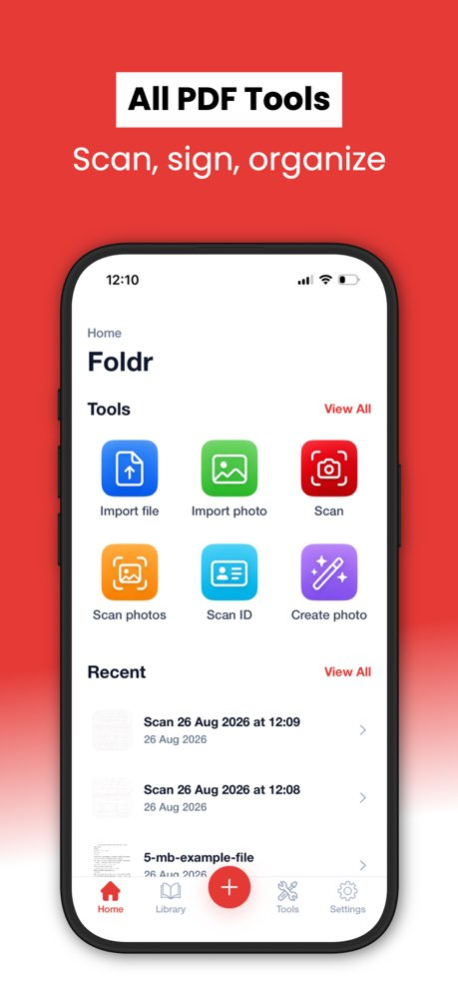
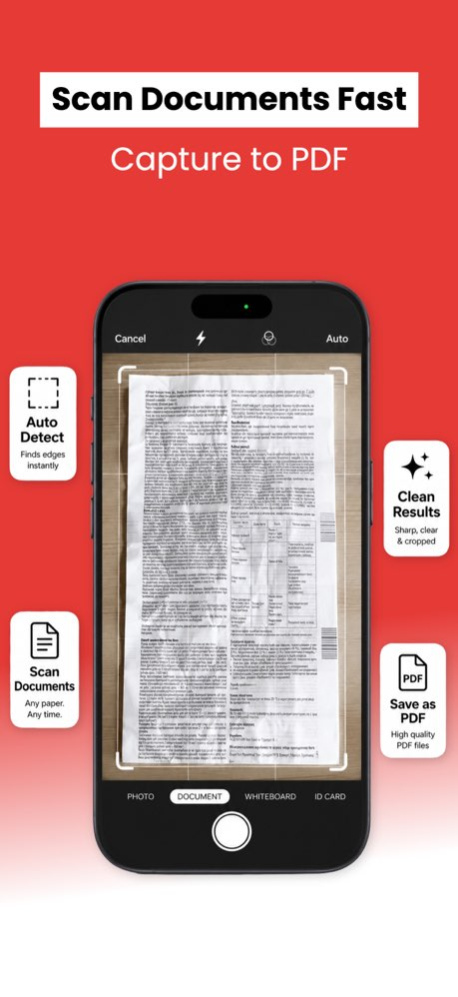
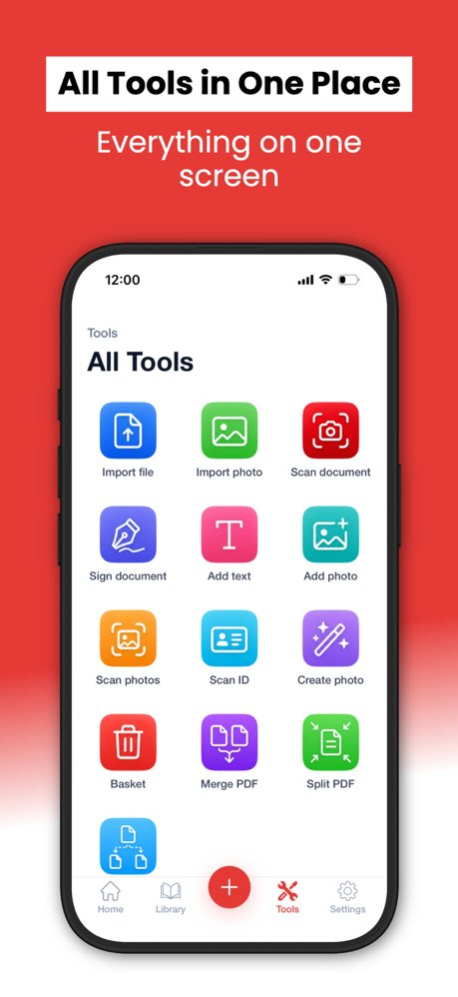
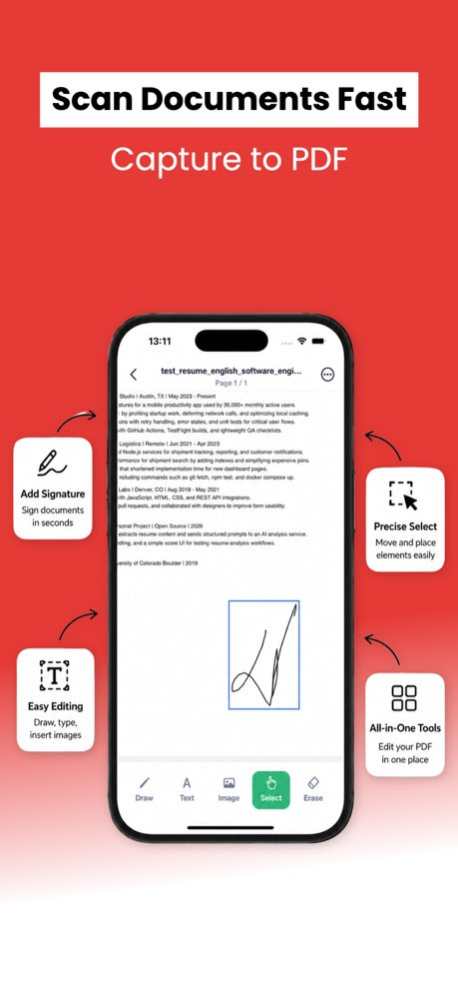
Tired of digging through camera roll screenshots and random "scan_final_v2.pdf" files just to find that one receipt? Foldr is a PDF scanner built around what happens after you scan - smart folders, fast search, and a clean library that actually keeps up with your paperwork. Point your camera at a document and Foldr captures it as a crisp PDF, auto-corrects the angle, and drops it straight into the right folder. Need to edit text, highlight a clause, or add a signature? It's all in one place - no exporting to another app, no waiting. Why Foldr - Smart Library. Files land in folders by date, type, or your own tags. Full-text search across every scan you've taken. - Auto Scan. Edge detection, perspective fix, and contrast enhancement happen automatically on every shot. - Multi-Page Capture. Scan a 30-page contract in one go and Foldr stitches it into a single PDF. - Inline PDF Editor. Tap to add or change text, drop in images, draw, highlight, or erase - directly on the page. - One-Tap Signature. Save your signature once and place it on any document with a single tap. - ID & Photo Modes. Dedicated flows for ID cards, passports, photos, and whiteboards. - Import from Anywhere. Pull pages from Photos, Files, the iOS share sheet, or your cloud drive. - Export Without Friction. Send as PDF or image to Mail, Messages, iCloud, Drive, Dropbox, or any app that accepts files. Made for everyday paperwork . Receipts, invoices, and expense reports . Rental agreements, NDAs, and signed contracts . Lecture notes, study sheets, and printed handouts . Forms that need a signature before end of day . Recipes, business cards, and whiteboards worth keeping Foldr is built for people who scan often and lose things easily. The interface is quiet - no nested menus, no learning curve. Open the app, capture the page, and know where it'll be tomorrow. Foldr Premium Premium unlocks unlimited scans, advanced editing tools, larger storage, and an ad-free experience. Subscriptions renew automatically unless turned off at least 24 hours before the period ends. Payment is charged to your Apple ID at confirmation. Manage or cancel anytime in Settings → Apple ID → Subscriptions. Prices may vary by region. Terms of Use: https://foldr.website/terms Privacy Policy: https://foldr.website/privacy
Version History Foldr is now available in Japanese, Polish, Portuguese, Danish, and Dutch. 1.2.2 Sep 17 - bug fixes 1.2.1 Sep 2 1.0 May 28
Previous Versions
Here you can find the changelog of PDF & Doc - Editor & Scanner since it was posted on our website on 2026-10-03 16:58:18.
The latest version is 1.2.2 and it was updated on 2026-10-07 00:32:40. See below the changes in each version.
PDF & Doc - Editor & Scanner version 1.2.2
Updated At: 2026-10-07
Changes: Version History Foldr is now available in Japanese, Polish, Portuguese, Danish, and Dutch. 1.2.2 Sep 17 - bug fixes 1.2.1 Sep 2 1.0 May 28
Disclaimer
Official App Store Link
We do not host PDF & Doc - Editor & Scanner on our servers. We did not scan it for viruses, adware, spyware or other type of malware. This app is hosted by Apple and passed their terms and conditions to be listed there. We recommend caution when installing it.
The App Store link for PDF & Doc - Editor & Scanner is provided to you by apps112.com without any warranties, representations or guarantees of any kind, so access it at your own risk.
If you have questions regarding this particular app contact the publisher directly. For questions about the functionalities of apps112.com contact us.